Take your manga
to your Kindle.
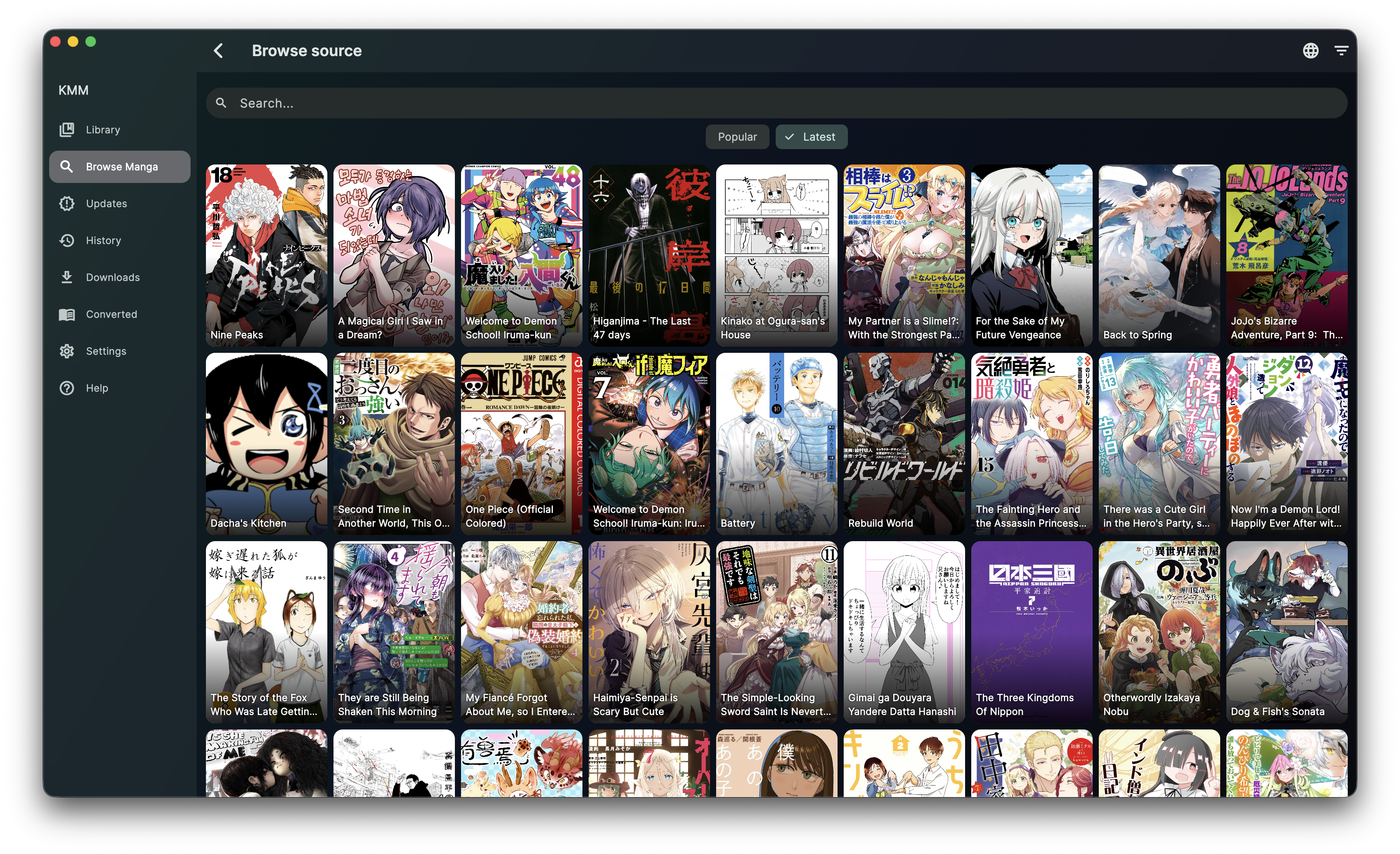
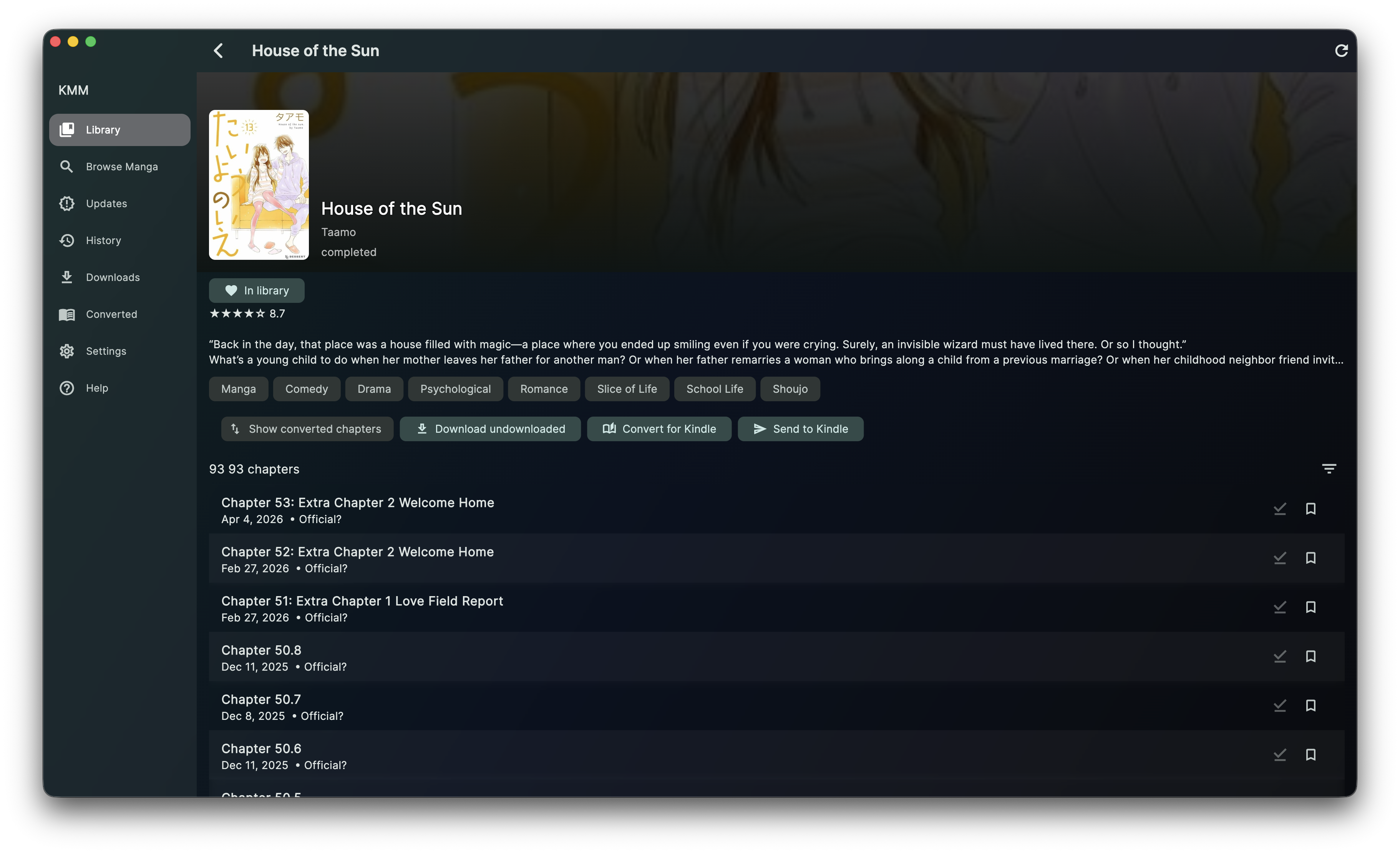
KMM is an elegant desktop manager to organize, convert and send manga collections directly to your Kindle device — hassle-free. Currently in early development, available for testing.
This app is highly experimental
KMM is in early testing and may not work correctly on all computers. We are looking for people willing to test, report bugs and suggest improvements — your experience, even if imperfect, is very valuable to the project's development.
Everything you need,
in one place.
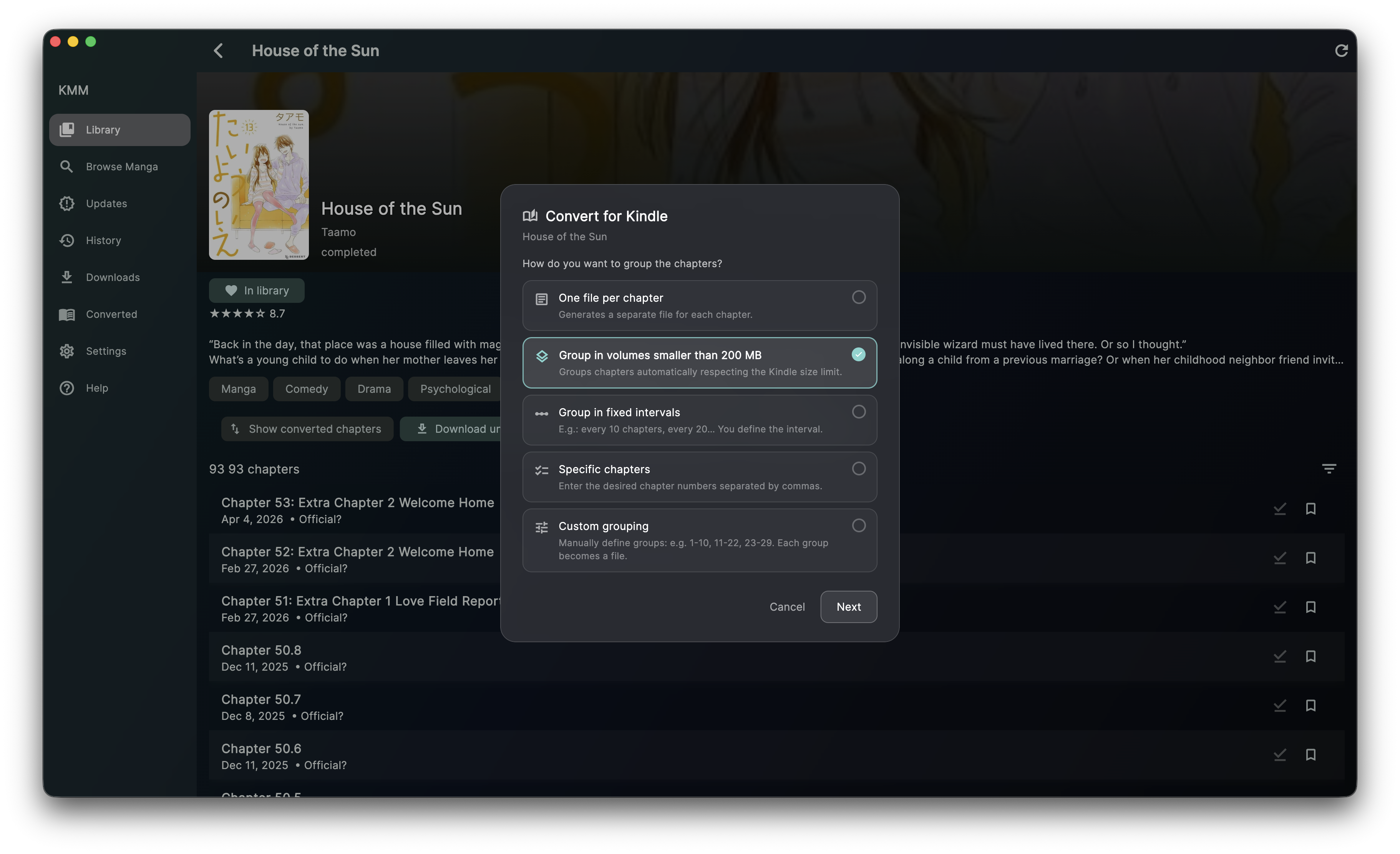
KMM tries to automatically install all necessary resources to manage your manga library and convert chapters to various formats. It uses Suwayomi Server as a compatibility layer with the extension libraries used in popular apps like Mihon and Komikku, then automatically performs conversions using Kindle Comic Converter. Converted chapters can be sent manually via USB, through the Amazon website, or by email.
Download
Project currently under construction. Once it matures, the code will be open-sourced on GitHub.
Notice for macOS users
This application was built without an Apple developer account. Currently, paying the $99 annual fee Apple requires is not feasible for me. Because of this, after installing the app, you will need to run the following command in Terminal:
I know this is not ideal, but it is a limitation imposed by Apple for developers without an active subscription.